
A new website for Borshevik
borshevik.org has been redone: it now shows what the system can do, walks you through the installation step by step with videos, and has a news section.
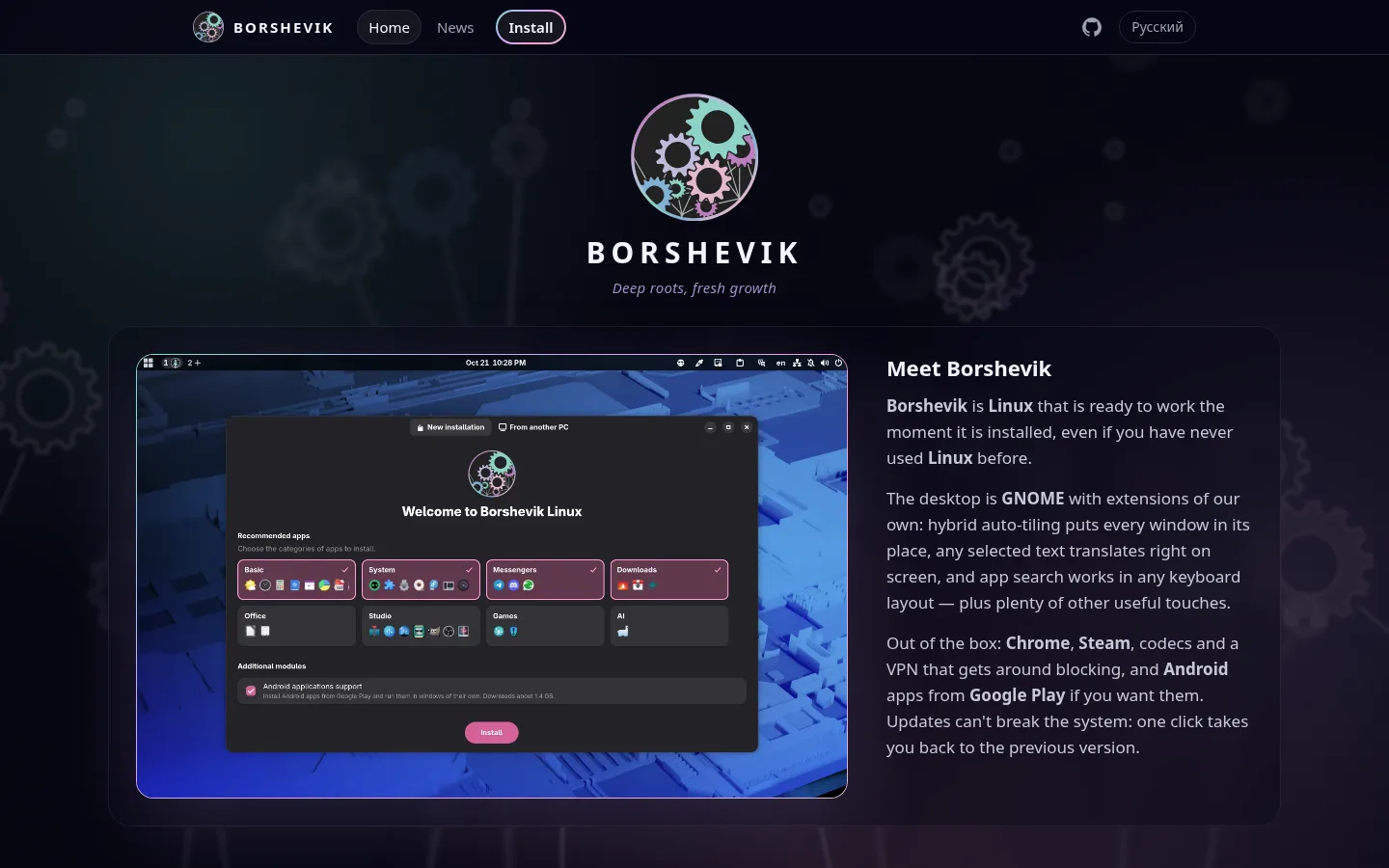
What the system can do
The home page covers everything Borshevik can do: updates that never break the system, Android apps, games, VPN and our work on GNOME — from workspaces on the panel to translating selected text. Most sections come with a short video.
Installation step by step
The installation page takes you from downloading the image to your first login: which image to choose — standard or NVIDIA — how to write the USB stick with Fedora Media Writer, boot from it and go through the installer. Writing the stick, the installer and confirming the NVIDIA driver's key are shown in videos you can pause and scrub to the step you need.
News
New features and important changes are announced here now, in the News section.
The site opens in your browser's language — English or Russian — and the switch is in the header. The old links to the images work as before.
------------ you are here ------------
More good news is on the way — stay tuned.